
Custom Patch Design Guide
How to prepare artwork that produces cleanly, with free digitizing on every New York order.
Design a custom patch with bold shapes, high contrast, and a limited color palette, then send vector artwork (AI, EPS, PDF, SVG) or a 300 dpi raster file. Keep text at 0.2 inches or larger so it stays legible in thread. Custom Patches New York digitizes any file for free and returns a digital proof within 24 hours.
- What this covers: How to design and prepare artwork for a custom patch that produces cleanly.
- Best file types: Vector (AI, EPS, PDF, SVG); raster (PNG, JPG, PSD) at 300 dpi at final size.
- No file required: A sketch, photo, or idea is enough, our team builds the artwork.
- Text minimum: Keep lettering at 0.2 inches or larger for embroidery legibility.
- Color: Limit the palette and send Pantone codes for exact brand matching.
- Digitizing: Free on every order, no setup fee.
- Proof: Free digital proof within 24 hours, with unlimited revisions.
- Minimum order: None, order 1 piece to test a design.
- Contact: (917) 735-9139.
Custom Patches New York designs and manufactures custom patches in New York for businesses, agencies, schools, and organizations across Manhattan, Brooklyn, Queens, the Bronx, Staten Island, and the wider tri-state metro. This guide explains how to design artwork that produces cleanly, which file formats work best, and the text, color, and size rules that keep a patch sharp. Free digitizing, free design proofs, unlimited revisions, and no minimum order are included, so you submit any file and refine it before approval.
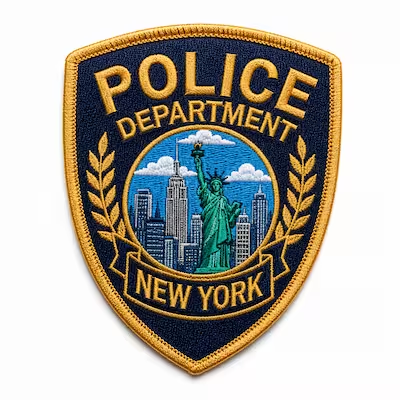
File Formats and Resolution for Patch Artwork
The best patch artwork starts as a vector file. Vector files use mathematical paths, so they scale to any patch size without blur. Send artwork as AI, EPS, PDF, or SVG when you have it.
Raster files work too. Submit PNG, JPG, or PSD at 300 dpi or higher at the final patch size. A screen graphic at 72 dpi looks fine on a monitor but breaks down at patch scale, so resolution matters more than file type.
- Vector (AI, EPS, PDF, SVG): preferred, scales cleanly, holds sharp edges and text.
- Raster (PNG, JPG, PSD): accepted at 300 dpi at final size, ideal for printed and sublimated patches.
- Outline your fonts and expand strokes in vector files so text stays fixed without the original typeface.
- Embed or include linked images so no element drops out.
You do not need a production-ready file. Our New York team accepts logos, sketches, photos, and screenshots, then digitizes them at no cost. Free digitizing means you never pay a setup fee, even when the studio rebuilds a low-resolution image as clean vector artwork. The How It Works page covers the full order flow from quote to delivery.
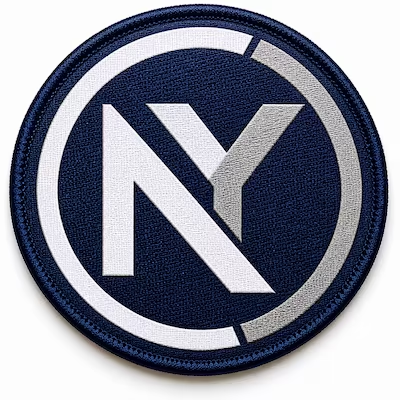
Color, Pantone Matching, and Thread Limits
Color choice shapes how a patch reads and what it costs to produce. Embroidered and woven patches use solid thread colors, so a limited, high-contrast palette produces the cleanest result. Printed and sublimated patches reproduce full color, including gradients and photographic detail.
Send Pantone Solid Coated codes when brand accuracy matters. Our team matches Pantone references to thread or print on the proof, so you confirm color before production. Printed patches convert to CMYK, because RGB colors shift during printing.
- Embroidered patches: keep the palette focused, typically under a dozen thread colors, for crisp separation.
- Woven patches: hold more colors and finer color breaks than embroidery.
- Printed and sublimated patches: reproduce unlimited colors and gradients on a light base fabric.
- Brand colors: provide Pantone codes for the closest possible match.
The Thread Color Chart lists available thread colors and their codes for embroidery and woven orders.
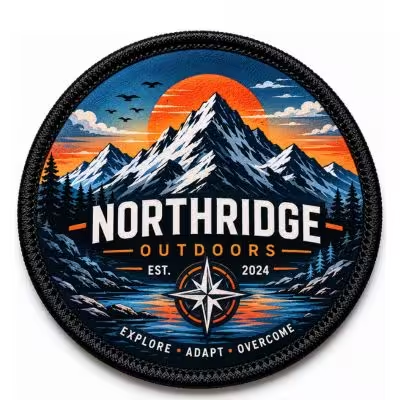
Text, Detail, and Readability Rules
A patch is small, so a design has to read at a glance. Test any design as a one-inch thumbnail. If the shapes stay clear and the text is legible at that size, the design works at patch scale. If detail disappears, simplify before production.
Text size is the most common failure point. Keep lettering at 0.2 inches or larger for embroidery, because thread cannot hold fine type. Woven and printed patches reproduce smaller text, down to about 2 mm, since they use finer threads or ink. Thin lines under about 1 mm also struggle in embroidery, so set a minimum line weight.
Contrast carries a design more than color choice does. Place dark elements on light backgrounds, or add an outline between touching colors. View the design in grayscale as a check: if elements do not separate without color, the contrast is too low.
- Minimum embroidery text: 0.2 inches (about 5 mm).
- Minimum printed or woven text: about 2 mm.
- Minimum line weight: roughly 1 mm for embroidery.
- Detail rule: remove fine details that vanish at one inch.
- Border clearance: leave space around the edge so the border does not clip artwork.
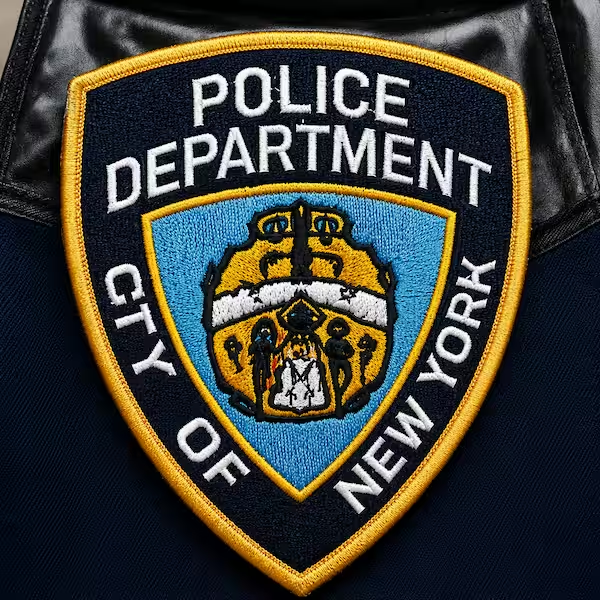
Choosing the Right Patch Type for Your Design
The patch type you choose should match your design and its use. Each type handles detail, color, and texture differently.
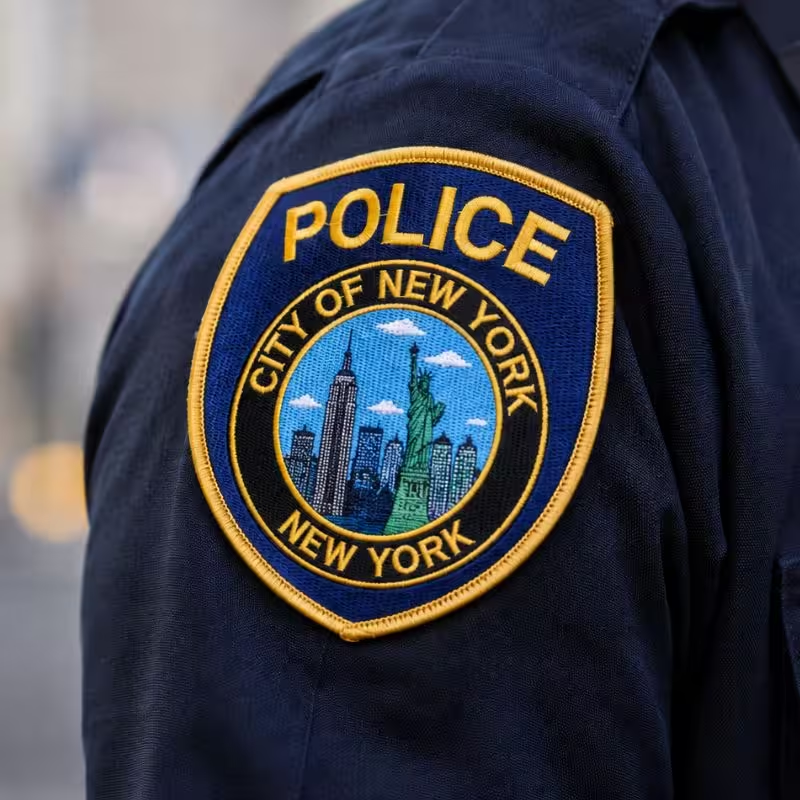
Embroidered patches
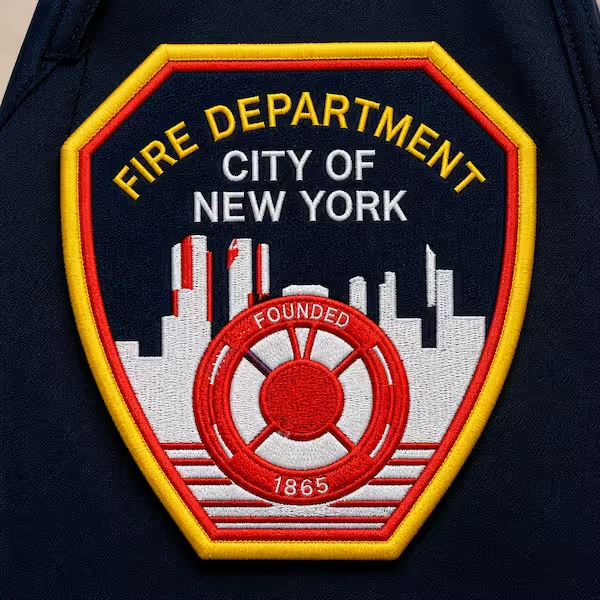
bold logos, lettering, and uniform crests with a classic stitched texture. The standard choice for police, fire, and military uniforms.
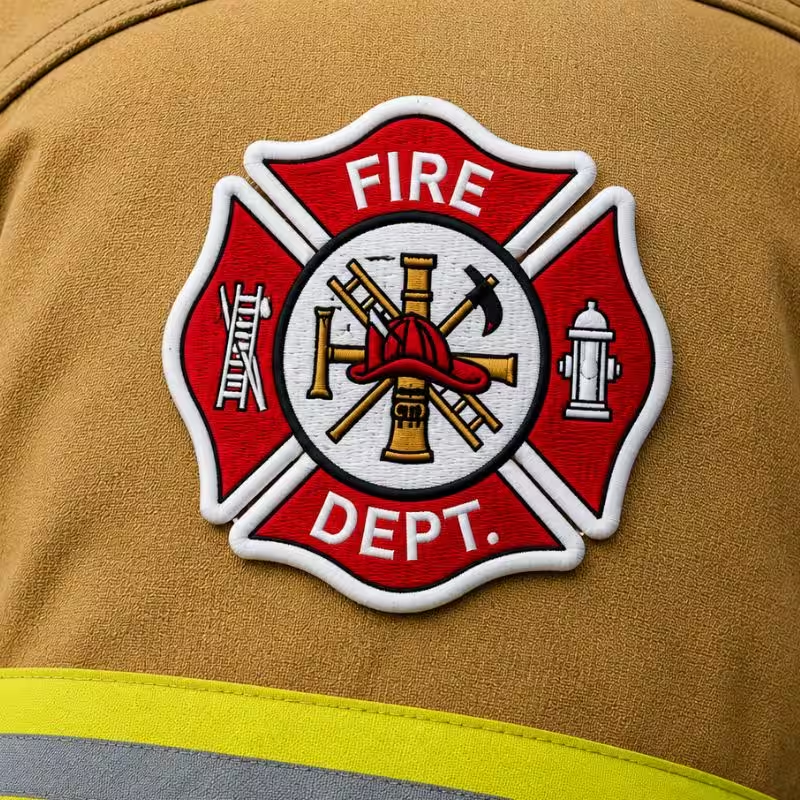
3D embroidered patches
raised foam under the thread for bold letters and logos that stand off the surface.
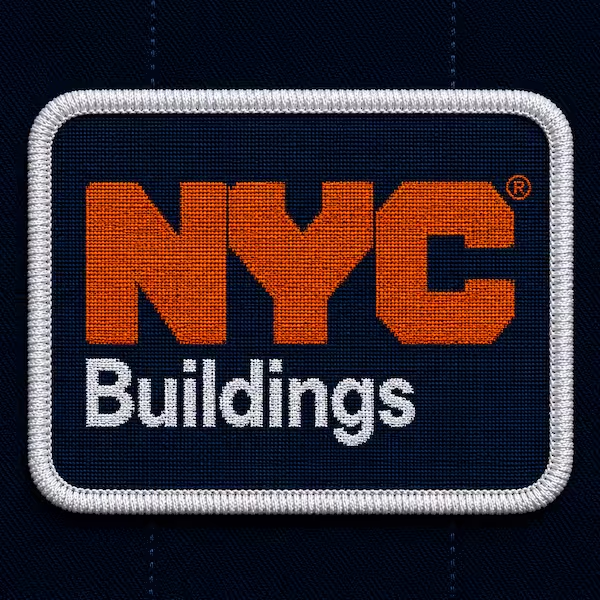
Woven patches
fine detail, small text, and intricate logos that embroidery cannot hold.
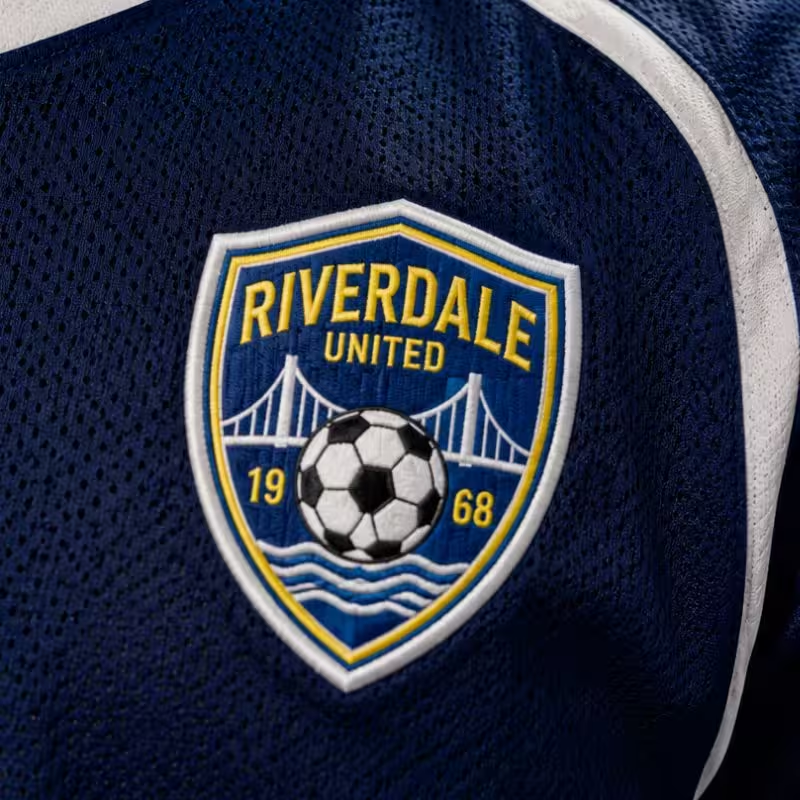
Printed and sublimated patches
full-color art, gradients, and photographic designs on a light base fabric.
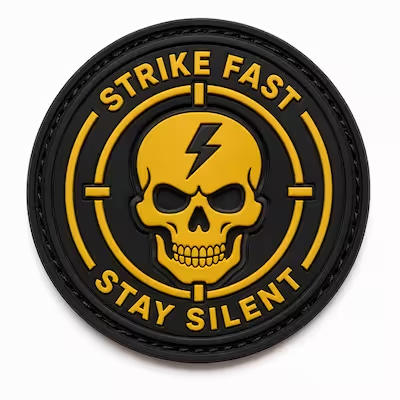
PVC patches
durable rubber patches for outdoor, tactical, and first responder gear, in 2D or 3D.
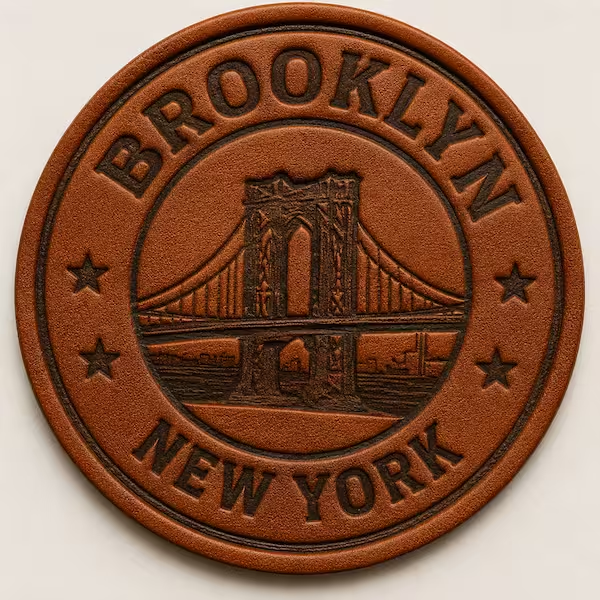
Leather patches
engraved or debossed designs for heritage, fashion, and hat brands.
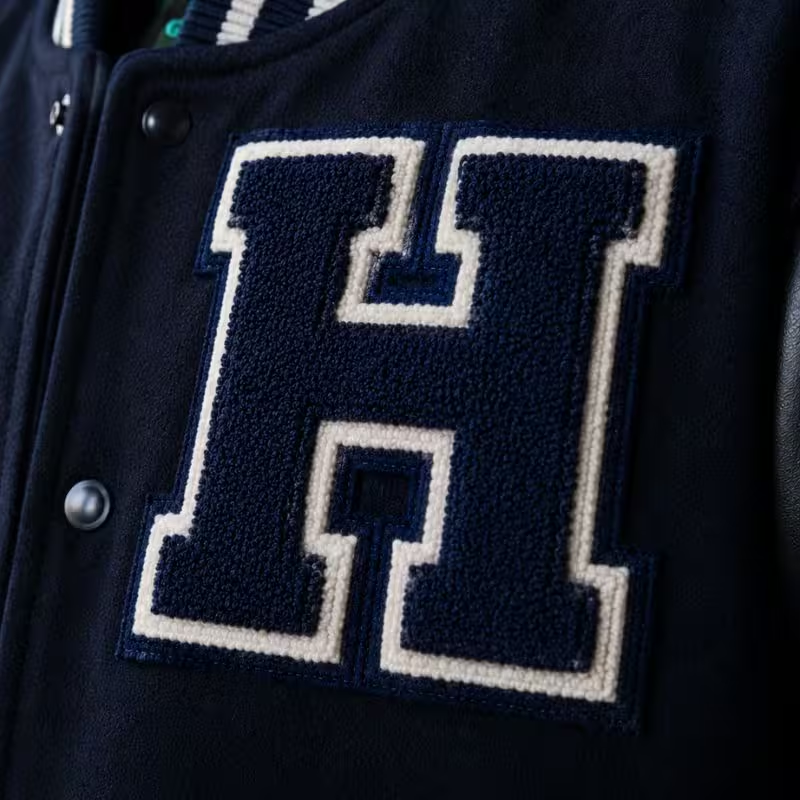
Chenille patches
large, fuzzy varsity letters and school designs.
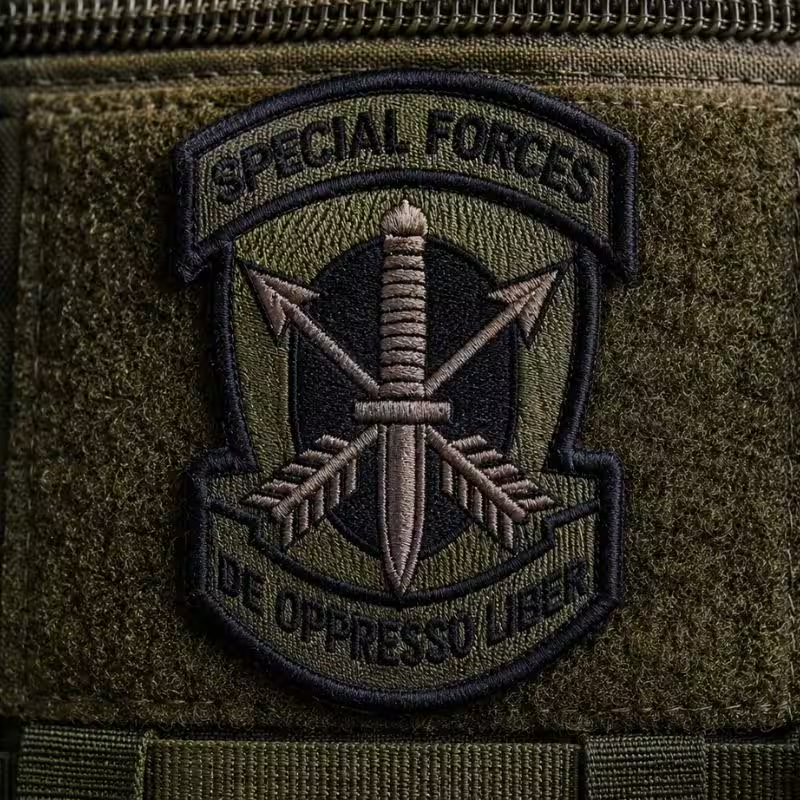
Bullion patches
hand-stitched metallic thread for ceremonial and formal use.
Match the type to the design first. A photographic logo belongs on a printed or sublimated patch, not embroidery. A simple bold crest works in embroidery, woven, or PVC. Review the Custom Embroidered Patches page and the other patch type pages for full specifications.
Patch Size and Placement
Size follows placement. A patch has to fit where it will be worn, and larger patches hold more detail.
Smaller patches need proportionally larger design elements, since fine detail does not survive at small sizes. Print your artwork at actual size and hold it against the garment as a quick test. The Patch Size Guide covers measurement and recommended sizes by use case in detail.
Borders, Backings, and Finish Options
Border and backing finish the design and decide how the patch attaches. Both affect price and use case.
Border options:- Merrow: a thick stitched edge for standard shapes such as circles, ovals, and shields.
- Hot-cut: a clean heat-sealed edge for custom shapes that follow your logo.
- Laser-cut: a precise edge for intricate outlines and fine points.
- Iron-on: heat-activated, for hats, t-shirts, and event apparel.
- Sew-on: the most durable, standard for uniforms.
- Velcro hook-and-loop: removable, for tactical and first responder gear.
- Adhesive peel-and-stick: temporary, for conferences and events in Manhattan and Midtown.
- Button loop: for bag clips, lanyards, and zipper pulls.
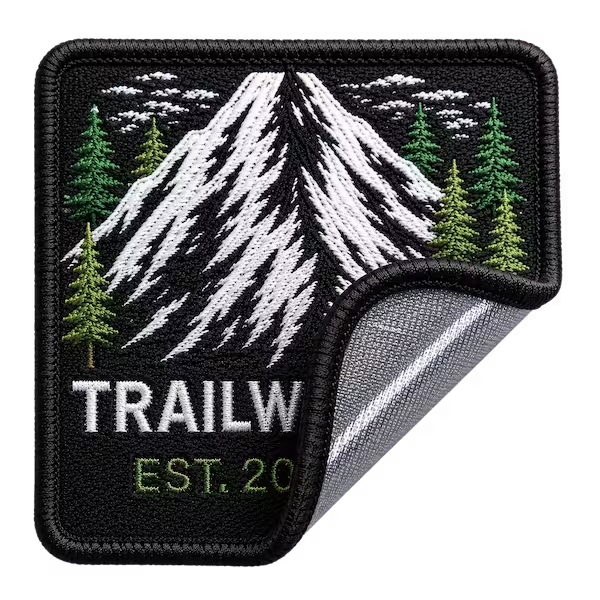 Iron-on
 Sew-on
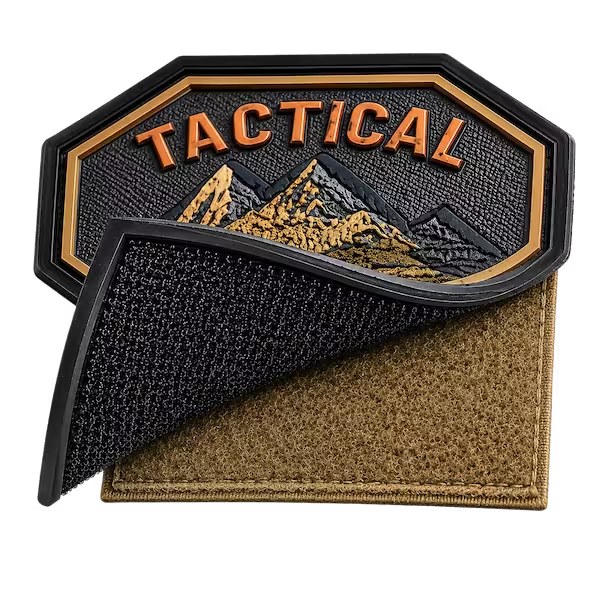 Velcro hook-and-loop
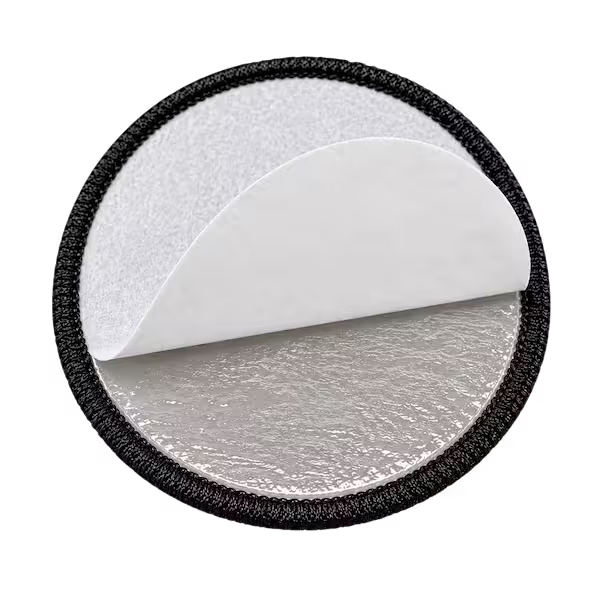 Adhesive peel-and-stick
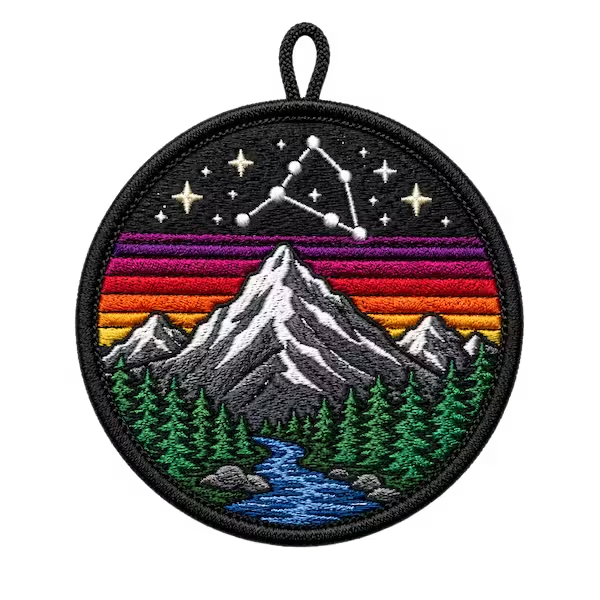 Button loop
The studio recommends a border and backing based on the shape of your design and how you plan to use the patch. See the Custom Patch Backing page for application detail.
Design Mistakes That Slow Down New York Orders
A few recurring mistakes cost time on the proof, and each is easy to avoid before you submit.
- Too much text or detail on a small patch. Fine elements blur at patch scale. Simplify or size up.
- Fonts not outlined. Live type can shift or substitute. Outline fonts in vector files.
- Low-resolution files. A 72 dpi screen grab needs a rebuild. Send the highest-resolution file you have.
- Too many colors. Heavy palettes muddy embroidery. Reduce to the colors that carry the design.
- Thin lines and low contrast. Both disappear in thread. Thicken lines and raise contrast.
- Gradients on embroidery. Thread cannot fade smoothly. Move gradient art to a printed or sublimated patch.
- No clearance for the border. Artwork that runs to the edge gets clipped. Leave a margin.
CPNY flags any of these on the free proof and corrects them with you before production, so a mistake delays the design, not the order.
How New York Organizations Design Their Patches
Custom Patches New York designs patches for organizations across the five boroughs and the tri-state metro, and design needs vary by sector. Police departments and fire and rescue services in the New York area follow traditional uniform conventions, with bold embroidery and sew-on backing. Garment District labels, Midtown corporate offices, and Wall Street firms prioritize exact brand color, so woven or Pantone-matched embroidery suits fine logos. Schools, universities, and youth sports programs across Brooklyn and Queens order chenille varsity letters and team crests, with CPSIA-compliant options for children’s items. Motorcycle clubs across the boroughs design back patches and rockers built for weather and daily wear. Hospitality and Broadway productions order printed and sublimated patches for full-color art. Local design support means our New York team reviews artwork directly, supplies physical samples on request, and works on US business hours.
Patch Design FAQ
Do I need a vector file to order a custom patch?
What is the best file format for a custom patch?
How small can text be on an embroidered patch?
Can you match my exact brand colors?
How many colors can a custom patch have?
Will a photo or gradient work as an embroidered patch?
Is digitizing free at Custom Patches New York?
Can I order one patch to test my design in New York?
Related Resources
Get a free quote in one hour. Send your design through the quote form, email a logo, or call (917) 735-9139 to reach our New York production team directly.